Client Hub
Getting Started with Your Client Hub
What the Client Hub is, how to log in, and a quick tour of your dashboard.
Your Client Hub is one dashboard for everything about your website: editing content, watching traffic, seeing the emails we send on your behalf, and checking how fast your site loads. No code, no separate logins for five different services.
Logging in
- Go to hub.alisamadii.com.
- Sign in with the email address we set up together during onboarding.
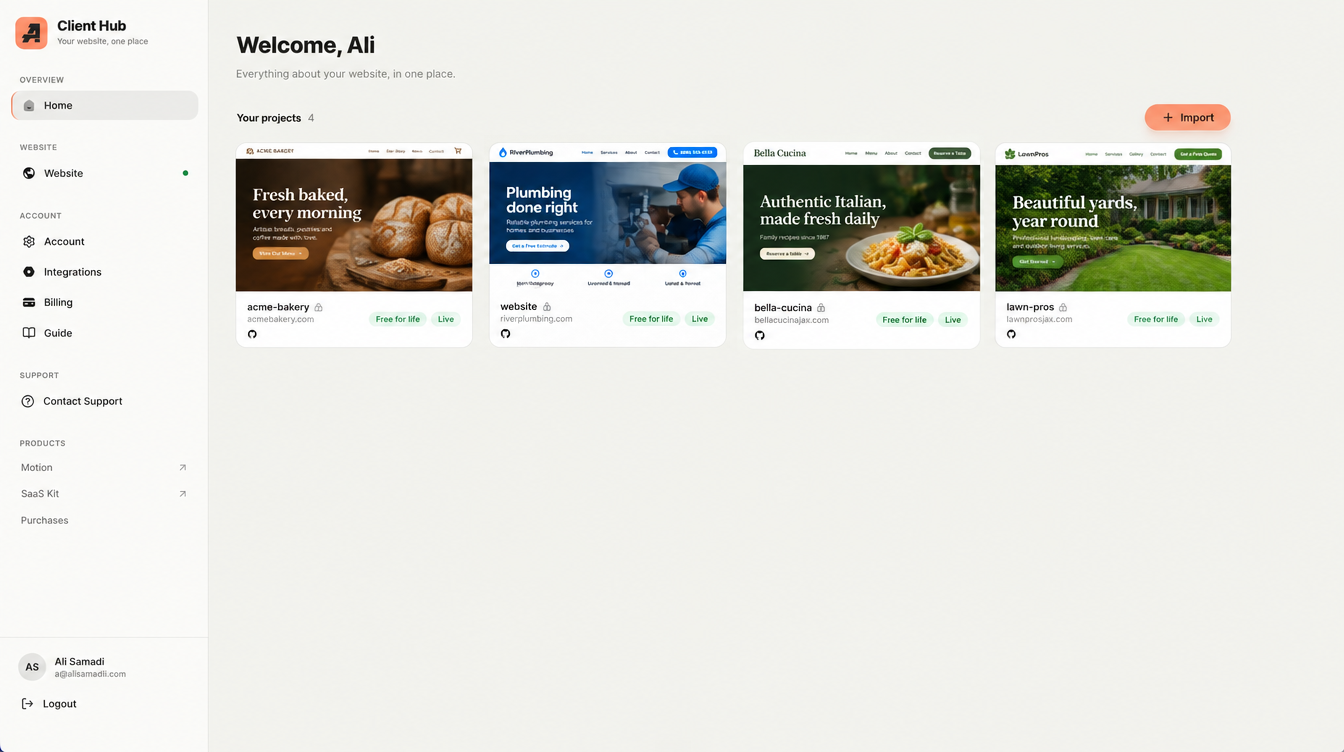
- You land on your project dashboard, with one card per website we manage for you.
A quick tour
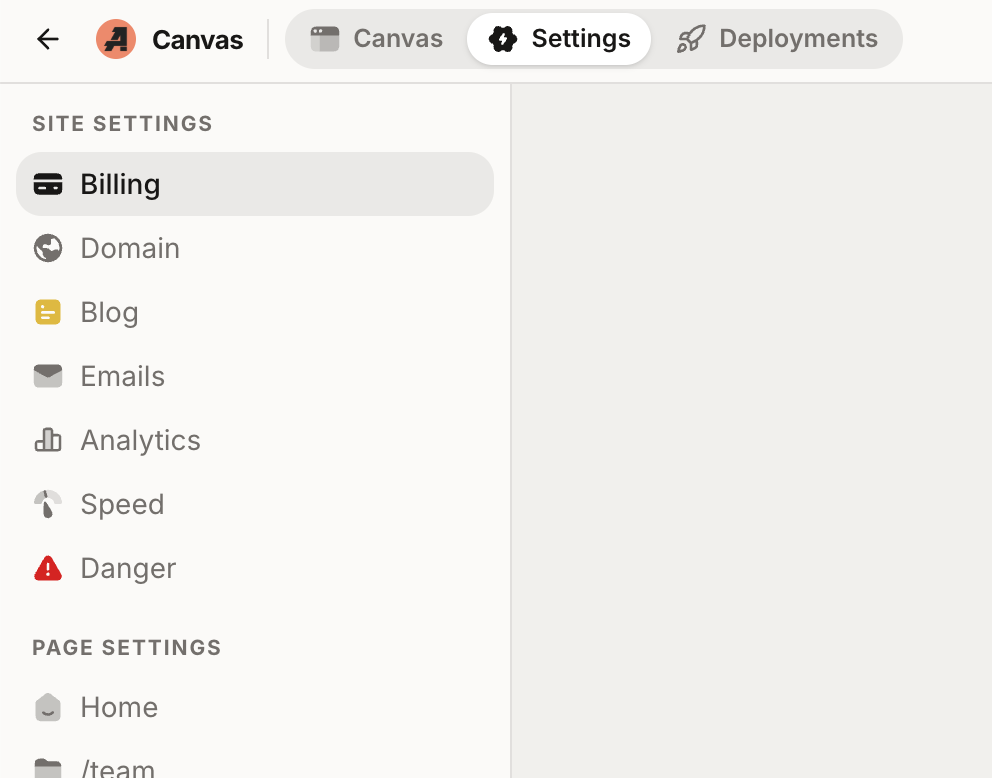
Once you open your project, the tabs across the top are:
- Edit: change text and images on your live site visually. See Editing Your Site with AI for the fastest way to make changes.
Blog: write and publish blog posts without touching code.(deprecated, being removed)- Analytics: your Google Analytics traffic, right in the dashboard.
- Emails: every email sent from your website (contact-form confirmations, newsletters) with delivery status.
- Domains: the web addresses connected to your site.
- Billing: your plan and invoices.
Who can access it
You own your account, and you decide who else gets in. Want a team member to help manage content? Ask us and we’ll add them. They get their own login, and you can remove them any time.
Something looks wrong?
Every change made through the Hub is version-controlled, which means nothing is ever lost. Any change can be undone. If something looks broken, just contact us and we’ll roll it back.